As we all know, we are in the storming phase of the platforms works. After discussed. We went though our Kubernetes Workshop in China deploying GKE from different locations. Fortunately, everything seems works well in China.
After discussed the test strategy with D who comes from M&A team, based on some information we collected from TO teams in Wuhan. The test strategy we made as below:
- Our tests should focus on the service we hosted by GCP, we need to test in different region of China with the normal network.
- Everything works well with VPN. We don't need to worry about it.
- No matter AWS or GCP, we all need to connect to VPN if we want to working from home. But for the case working from home is very rare, the TL in TO from Wuhan and Beijing who told me. And we still need to have a manually test for the performance, and the developer experience.
Testing on the services we hosted by GCP in Asia.
We hosted our service with GKE in Asia from south, east and north. Then we use ThousandEyes to monitor our services from 7 different regions in China.

The reports below shows the service availability from all 7 regions, almost 99% in 7 days. And the reports goes here:
| Source/Region | Reports link | Screenshot |
|---|---|---|
| Asia - East | East |  |
| Asia - Northeast | Northeast |  |
| Asia - Southeast | Southeast |  |
Here we compared with more details for the performance manually in Wuhan, and the response time for the HTTP source request all looks well, most of them are in ms, less than one second.
Asia Region Service Accessing
| Region\Action | Office TW VPN(Xian DC) | Office | Home | Home TW VPN(Xian DC) |
|---|---|---|---|---|
| Asia-southeast1 |  office-xian
|
 office
|
 home
|
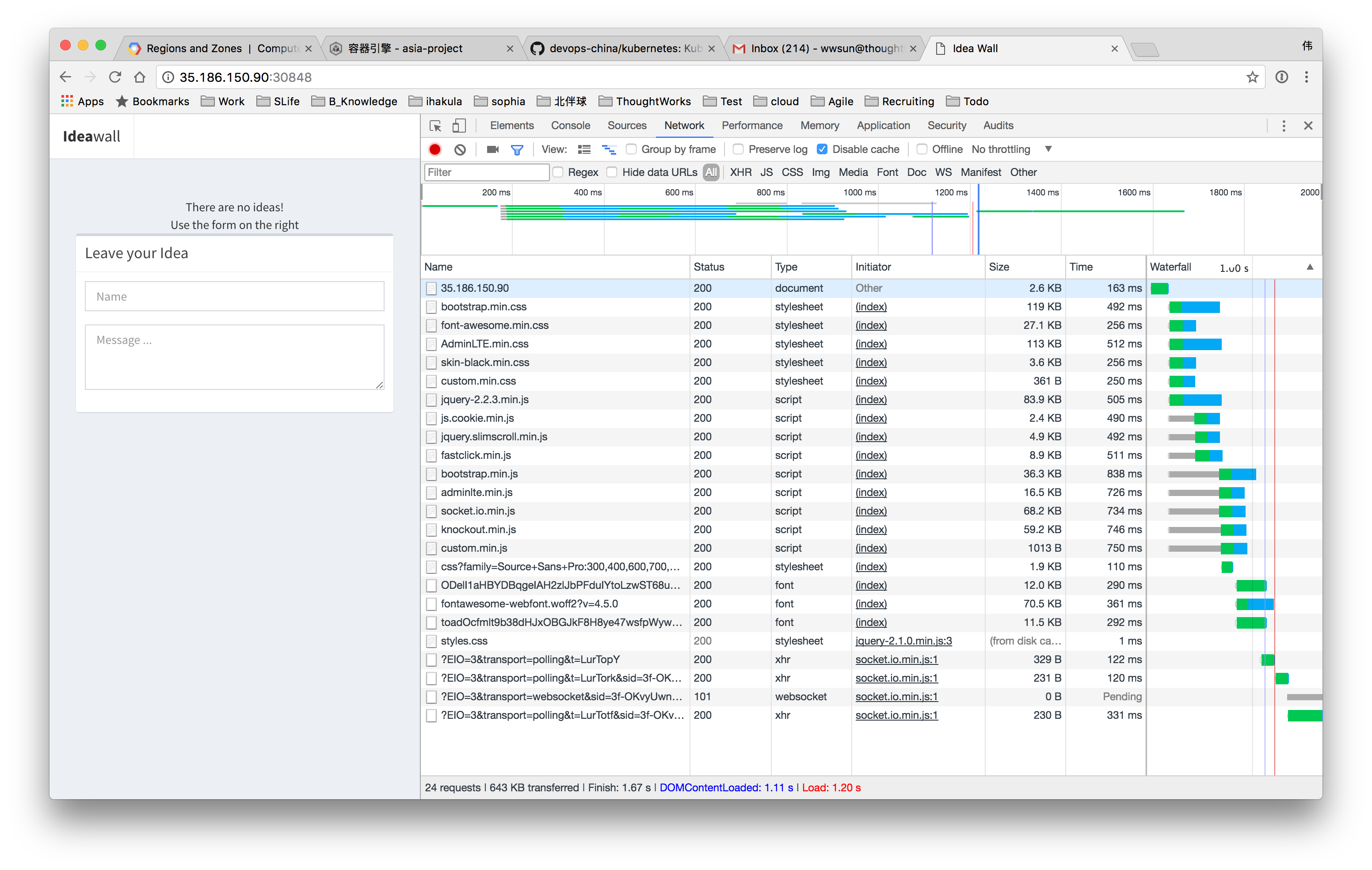 home-xian
|
| Asia-east1 |  office-xian
|
 office
|
 office
|
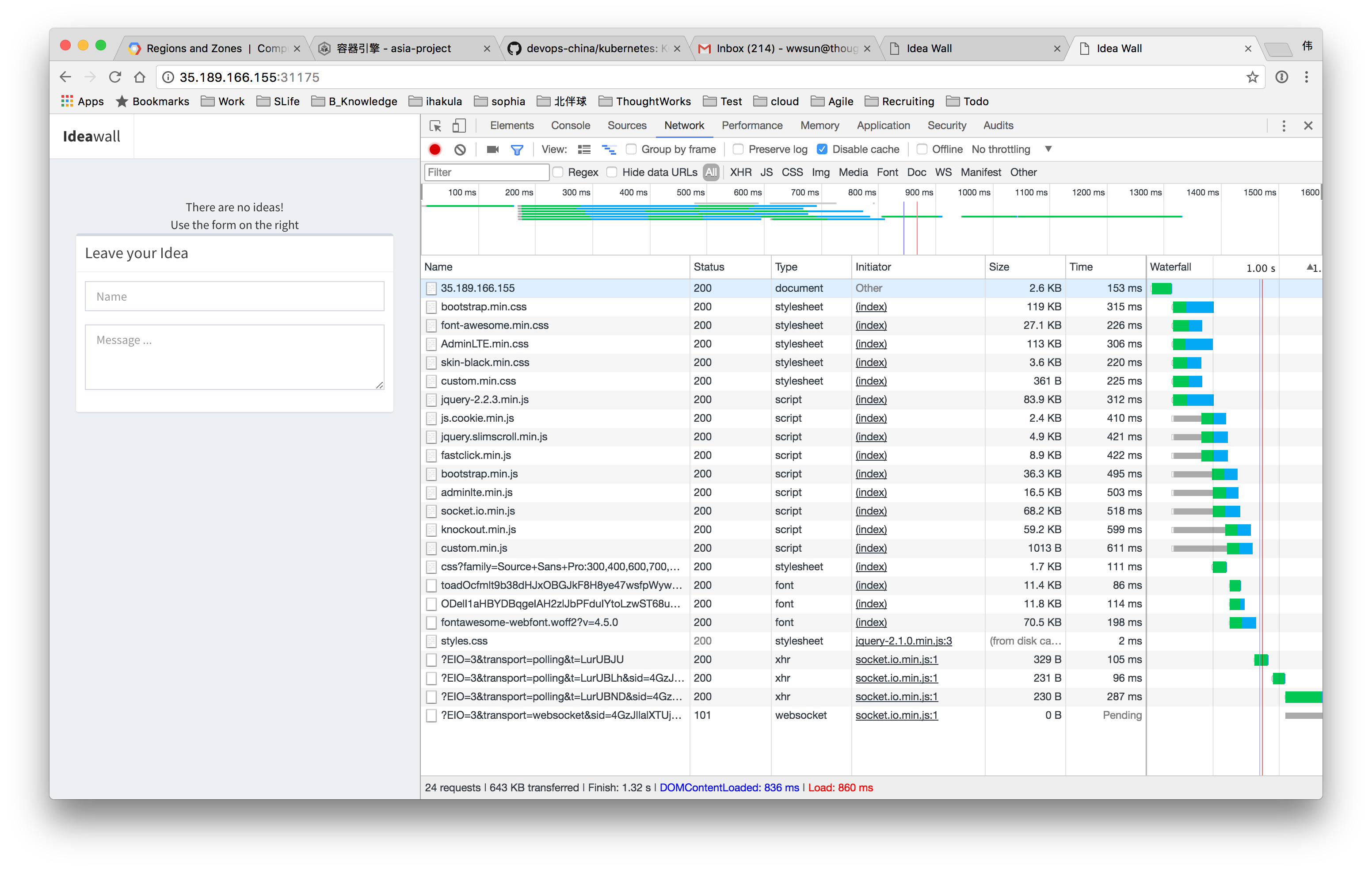 home-xian
|
| Asia-northeast1 |  office-xian
|
 office
|
 home
|
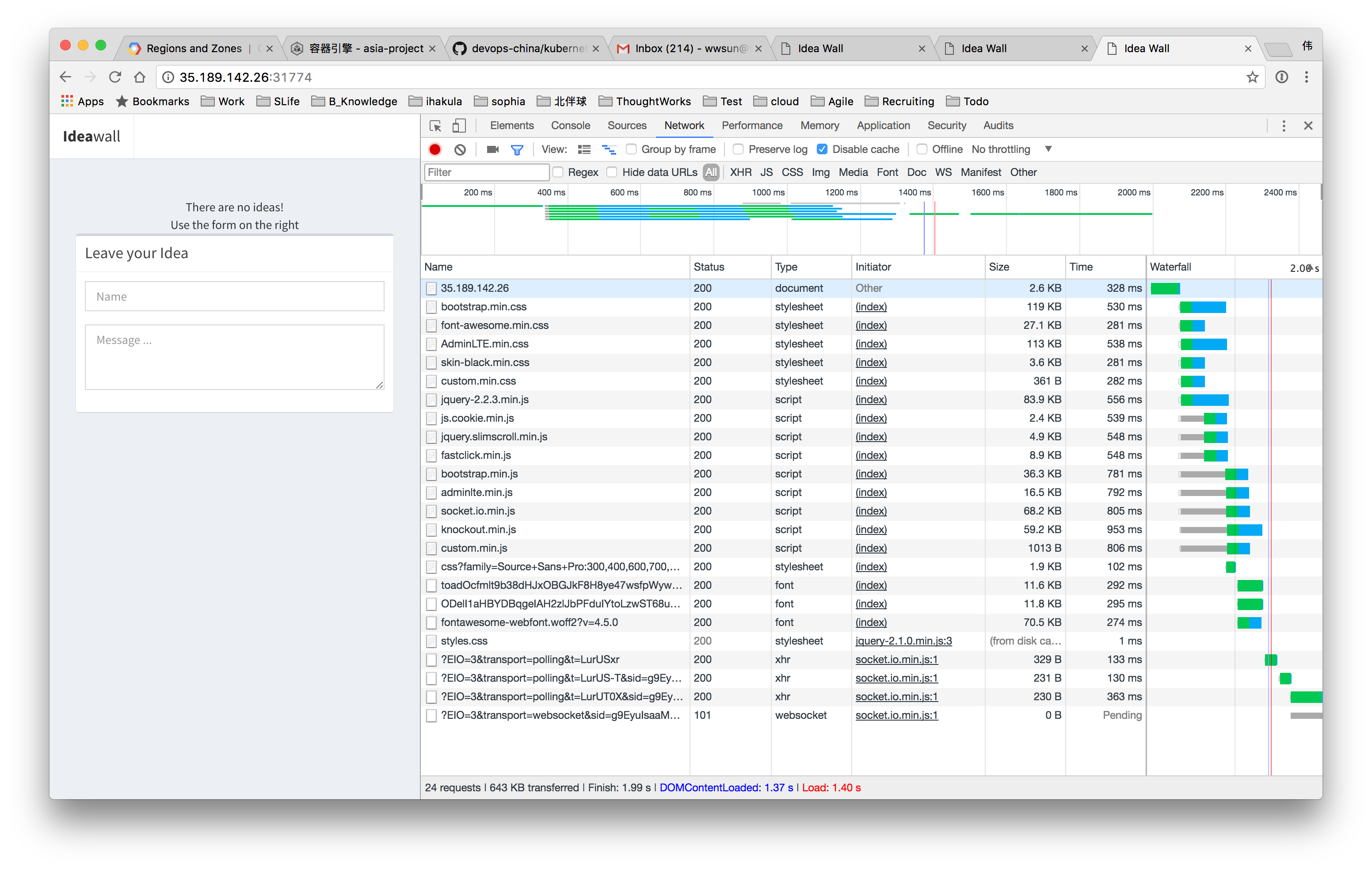 home-xian
|
GCP development experience in China.
The following grid shows the command line and service if you want to using at home, the VPN is required, but that's all.
| gcloud | kubectl | service | |
|---|---|---|---|
| office | ✔ | ✔ | ✔ |
| vpn | ✔ | ✔ | ✔ |
| home | ☓ | ☓ | ✔ |
And command line example 1 :
$ kubectl get pods > /dev/null
| Region\Action | Office TW VPN(Xian DC) | Office | Home | Home TW VPN(Xian DC) |
|---|---|---|---|---|
| Asia-southeast1 | 0.13s user 0.02s system 22% cpu 0.631 total |
0.13s user 0.02s system 30% cpu 0.494 total |
timeout | 0.13s user 0.02s system 23% cpu 0.610 total |
| Asia-east1 | 0.42s user 0.07s system 53% cpu 0.905 total |
0.13s user 0.02s system 25% cpu 0.594 total |
timeout | 0.14s user 0.02s system 29% cpu 0.536 total |
| Asia-northeast1 | 0.13s user 0.02s system 16% cpu 0.841 total |
0.44s user 0.08s system 31% cpu 1.643 total |
timeout | 0.13s user 0.02s system 23% cpu 0.630 total |
And command line example 2 :
time kubectl set image deployment/frontend
nodejs-redis=docker.io/ihakula/idea-board:step-6
deployment "frontend" image updated
kubectl set image deployment/frontend
0.14s user 0.03s system 5% cpu 3.020 total

time kubectl scale deployment frontend --replicas=3
deployment "frontend" scaled
kubectl scale deployment frontend --replicas=3
0.14s user 0.02s system 7% cpu 2.111 total
If you want to update container image or scale the service, all in 2 or 3 seconds, good.
As we can see, no matter service availability or development experience with VPN, all looks well. So, let's have fun for the platform party.

